You reach the closing doha, turn back to the beginning, and hesitate. Was that the third reading or the fourth?
It is easy to remember where you are in the words and still lose the number of times you have read them. Give those two things separate places: a bookmark for the verse, and a tally for the completed readings.
What counts as one reading?
In the Hanuman Chalisa reader, one reading is the complete text: two opening dohas, forty chaupais and the closing doha. A chaupai is a verse within that reading. It is not another completed paath.
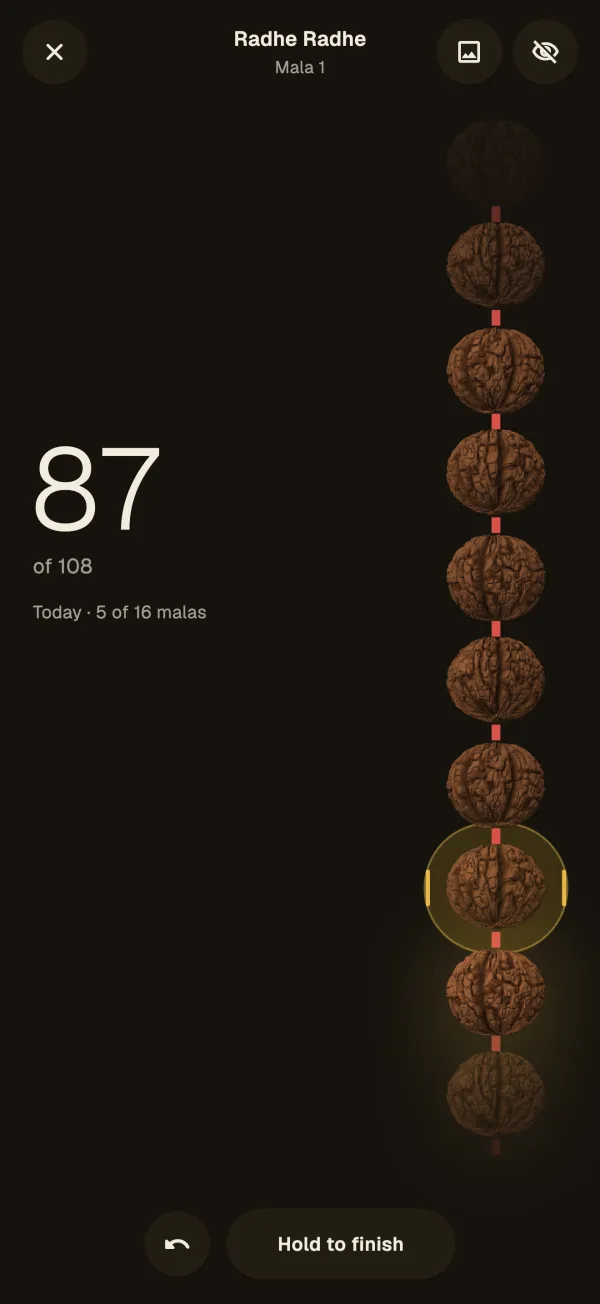
This also differs from counting mantra repetitions on a mala. One bead can mark a full Chalisa reading if you choose to use it that way; it does not have to mark each line. Be clear about the unit before you begin.
If you have been given a particular recitation method, follow those instructions. The arrangement here is for keeping a practical record.
Give every completed reading one mark
Choose something you can reach without changing your place in the book or screen:
- A paper tally: draw one stroke after the closing doha.
- A bead or marker: move it once for each complete reading.
- A reading counter: add one after you finish the full text.
For a personal target of eleven readings, eleven empty circles on paper may be enough. Fill one when you finish. Decide on that target yourself or follow the count you were given; this example does not prescribe eleven readings.
Mark the reading before beginning the next one. Waiting until you have finished “a few more” asks your memory to do the work again.
Using the online reader
Open Hanuman Chalisa and choose Devanagari, Roman letters or both. Adjust the type before beginning, then use reading mode if you want less around the text.
At the end of a full reading, press Add one. If you pressed twice, Undo removes one. Scrolling to the bottom does not add a reading: only you know whether you have actually completed it.
The number is a daily count in this browser. It does not add to mantra repetitions or sync with the Japo app. If you clear browser data, the saved count is removed. When browser storage is unavailable, the controls can work for the current tab, but you should keep a separate record before leaving.
If you stop halfway through
Keep the completed-reading total as it is. A reading in progress needs a saved verse or a bookmark, not another full-reading mark.
The reader remembers your position as you move through the verses. When you return, choose Continue reading. You can also use the verse menu to find a place yourself. Start again returns to the opening; it does not erase completed readings.
If you prefer paper, download a Devanagari or Roman PDF and put a bookmark where you stop. The same tally method works beside the printed text.
For a formal sankalpa, ask your teacher how an interrupted or incomplete reading should be handled. A bookmark preserves a place; it does not settle the conditions of a vow.
Keep the record simple
If you read in several sittings, check the saved number or tally before you begin again. If you use a book in the morning and the website later, copy the completed total carefully and avoid recording the same reading twice.
You do not need to keep a second total in your head once the record is reliable. Finish the text, make the mark, and return to the opening when you are ready.
Frequently asked questions
Does one verse count as one paath?
The counter on this site records full readings of Hanuman Chalisa, not individual verses. Only add one after completing the reading.
Will the count carry over to tomorrow?
The displayed completed-reading count starts at zero on a new local calendar day. Your saved verse and text preferences remain. Keep a separate record if you need a total across several days.
Can I print or download the text?
Yes. The reader's download section has complete Devanagari, Roman and combined PDFs. The Print control prints the script currently selected.